Replace paper checklists and manual data entry with a barcode-scanning system. No keyboard. No mouse. No typing. The operator just scans — the system does the thinking.
Today's warehouse packing process is manual, error-prone, and slow. Here's how scan-driven packing transforms every pain point.
| Problem Today | How Scanning Fixes It |
|---|---|
| ✕ Wrong item packed | ✓ System rejects mismatched items immediately — red flash + buzzer |
| ✕ Orders mixed up | ✓ Each box is verified against the order before sealing |
| ✕ No record of what was packed | ✓ Every scan is logged — full audit trail with timestamps |
| ✕ Operator needs computer skills | ✓ Just point and scan — no typing, no menus, no training |
| ✕ Training takes days | ✓ Training takes 10 minutes — scan the card, scan the item |
| ✕ Status updates forgotten | ✓ System updates order status automatically on confirm |
| ✕ Carrier pickup count wrong | ✓ System counts packages per carrier — one scan confirms all |
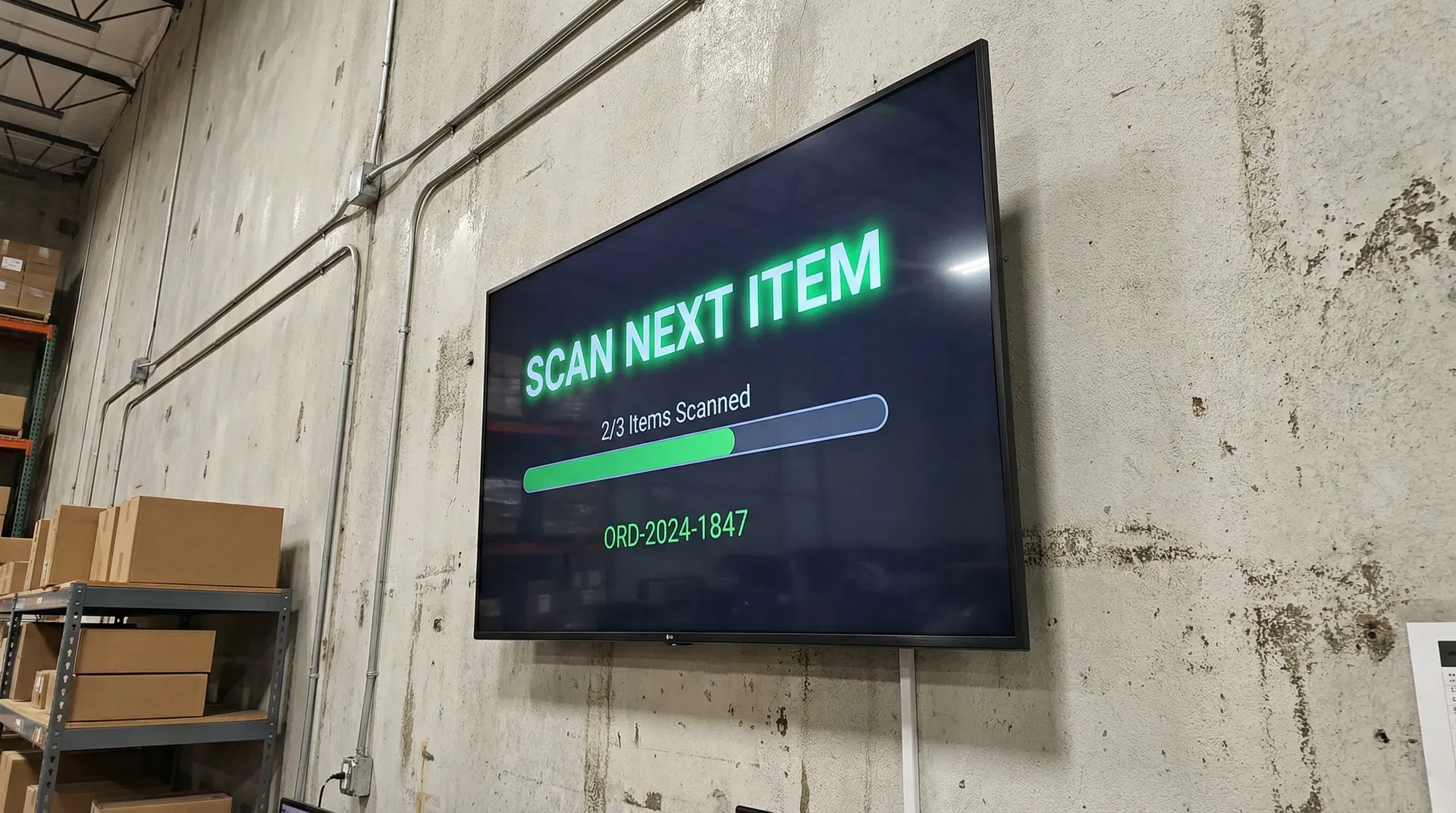
A wall-mounted TV, a barcode scanner, and laminated command cards. That's the entire interface.
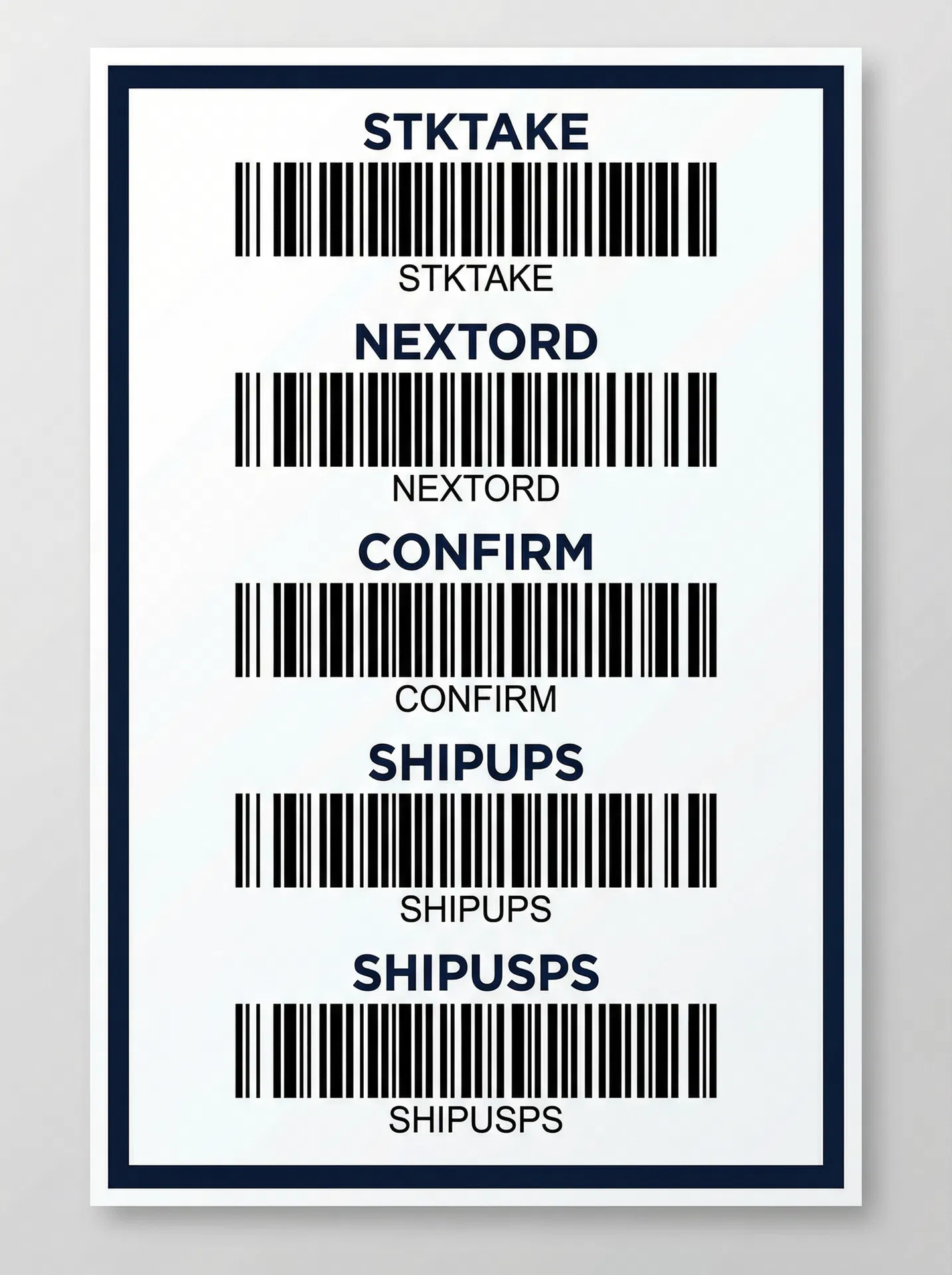
Operator scans a laminated barcode card on the wall to start a workflow — NEXT ORDER, STOCK TAKE, or CARRIER PICKUP.
Pick items from the shelf and scan their serial barcodes. The screen shows green checkmarks for correct items, red flash for wrong ones.
When all items are verified, scan CONFIRM. The order is sealed, status is updated, and the next order is ready.
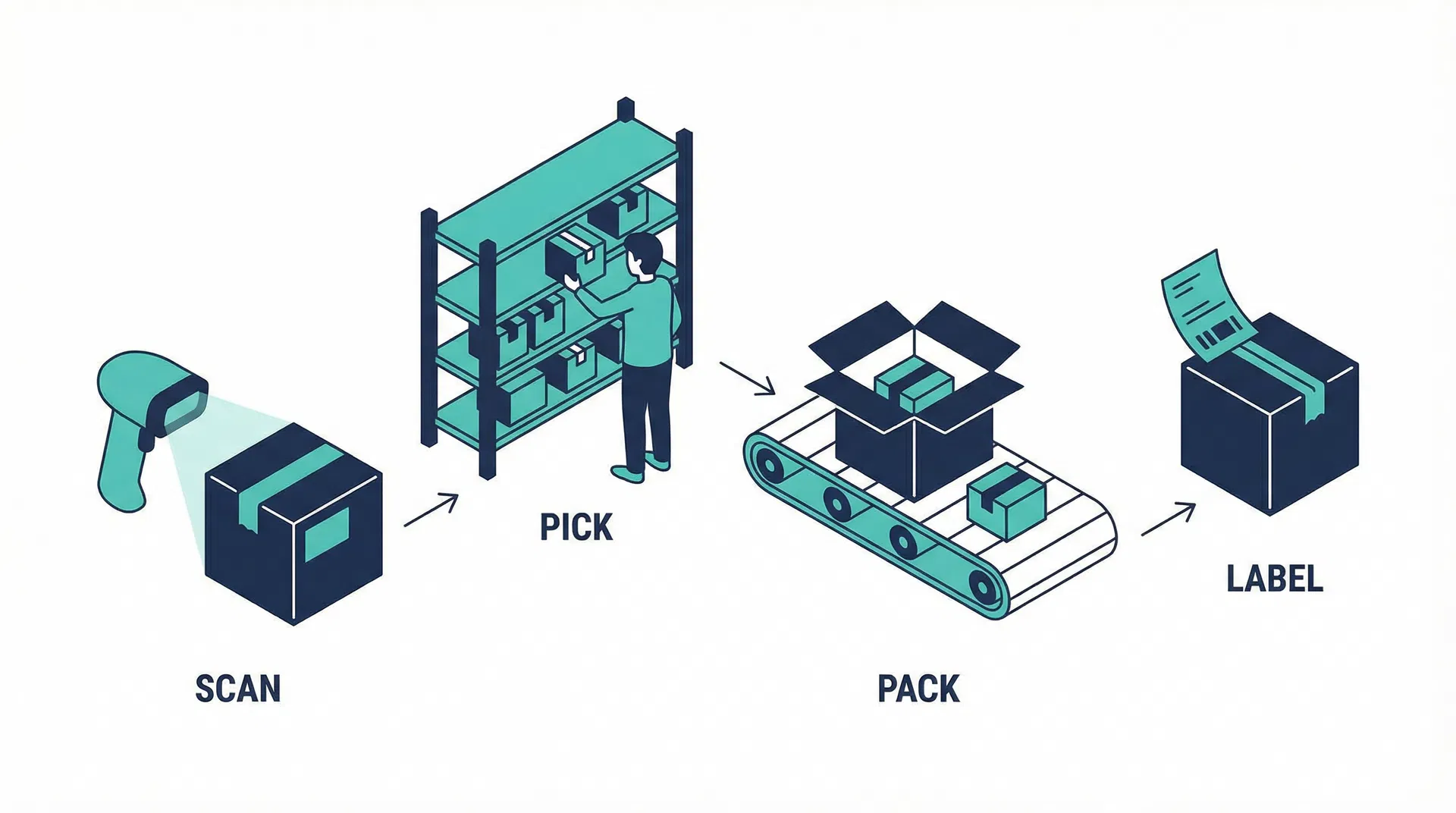
Four scan-driven workflows cover every warehouse operation — from packing orders to counting inventory.
The operator's entire interface is a wall-mounted TV and a set of laminated command barcodes. No computer, no keyboard, no mouse.
Large, high-contrast text visible from across the warehouse. Green for success, red for errors, amber for warnings. The display updates instantly with every scan.
Large, spaced-out barcodes on a laminated poster. Each command triggers a specific workflow. Scannable from arm's length — no accidental mis-scans.
Every product unit gets a unique barcode sticker. It starts with no meaning — and gains identity through a simple two-scan process.
Pre-print thousands of unique 6-character barcode stickers on thermal rolls. At this point, each code is just a unique number — no product association.
Scan 1: Scan the product's SKU barcode. Scan 2: Peel a serial sticker, apply it to the product, scan it. The sticker is now linked to that product forever.
Every unit is traced to its production batch. If a customer reports a defect — scan the serial, find the batch, check all units from that batch.
Print sticker → Apply to product → Scan to initialize
Product sits on shelf (serial = available)
Order comes in → operator scans serial at packing station
System verifies: right product for this order? ✓
Product ships → serial linked to order + customer
Customer calls about defect → look up serial → find batch → trace all units
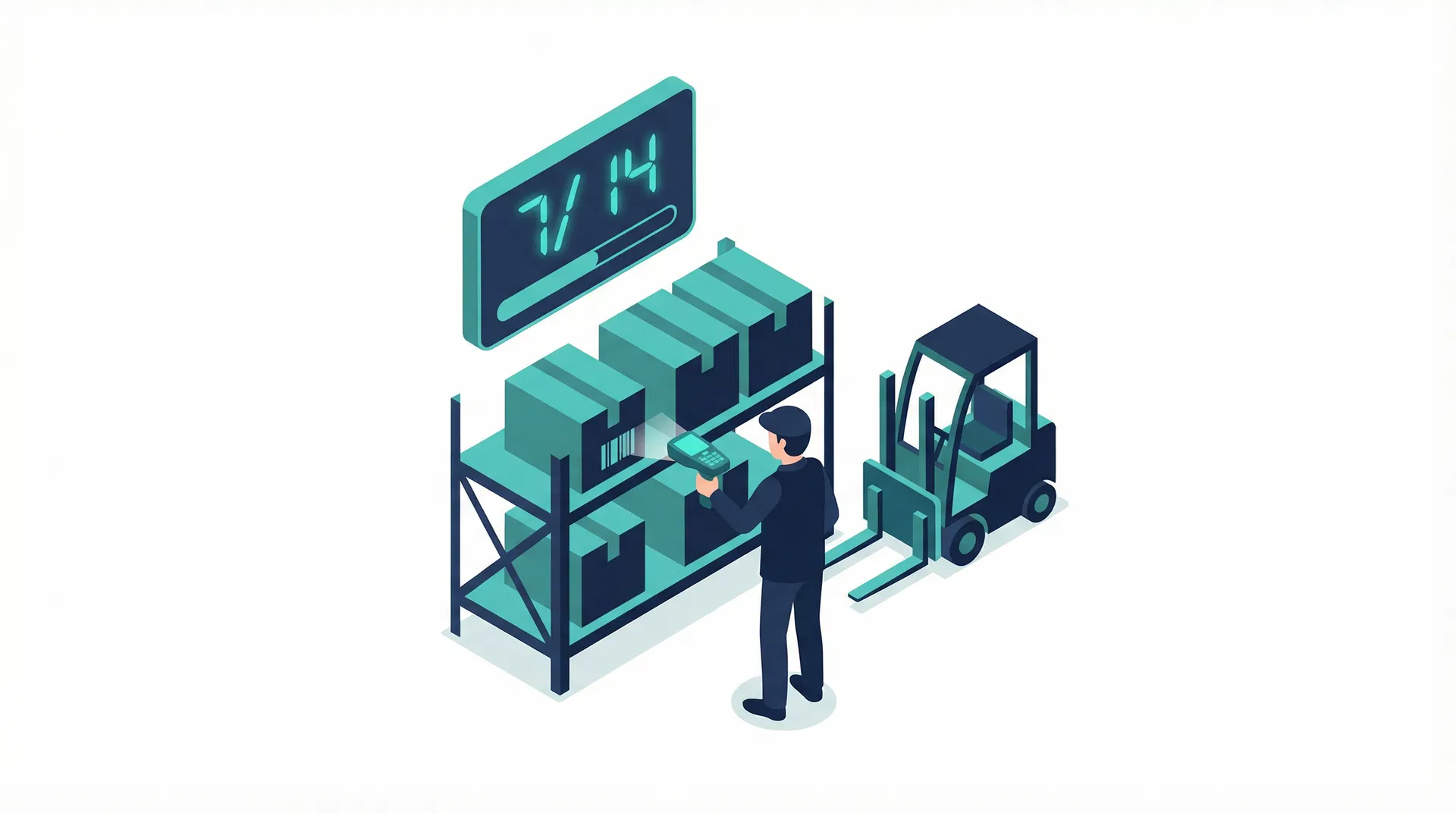
No clipboards. No spreadsheets. Scan the STKTAKE command, then scan every unit on the shelf. The screen shows a running counter in large font — visible from across the warehouse.
Off-the-shelf hardware. Each station is independent — start with one, scale to many.
Real-time visibility, zero packing errors, and full traceability — without adding software costs.
Wrong items are rejected before the box is sealed. Every item is verified by serial barcode.
Every item serialized, every scan logged, every order verified. Complete audit trail.
New operators productive in minutes, not days. Scan the card, scan the item — that's it.
See orders packed, in progress, carrier pickups — all in real time from the office.
Built into existing OrderHUB system. No new licenses, no monthly fees.
Off-the-shelf hardware. Reuse any existing TV. Scale by adding stations.
Phased rollout — each phase delivers standalone value. Start with one station, prove it out, then expand.
Standard Packing + No-Printer Packing workflows. Command cards, screen display, scan logging, OrderHUB integration.
End-of-day shipment verification. UPS, USPS, and custom carrier pickup workflows.
Full serial number system, stock take workflow, and production integration.
Look at computer → read order → find items → check paper list → type update → hope nothing was missed → next order
Scan card → scan items → scan confirm → next. Hands never leave the product and the scanner.
Add OrderHUBx PackScan to any OrderHUB implementation. One-time setup cost, no monthly fees.
Common questions about OrderHUBx PackScan, hardware requirements, and implementation.
Schedule a free consultation to see how PackScan fits into your OrderHUB setup. We'll walk you through the workflows and provide a custom quote.